
Disclosure: This site may contain affiliate links. If you make a purchase through these links, I may receive a commission at no additional cost to you. However, all opinions are my own.
The best proxy provider for web scraping depends on the website you scrape, the request volume, and whether your workflow needs a stable session.
For simple public pages, datacenter proxies can be enough. For ecommerce, SERP, marketplaces, and protected websites, residential proxies usually perform better because the traffic looks closer to normal user traffic. ISP proxies are useful when the scraper needs one stable IP for a longer workflow. Mobile proxies make sense only when the target behaves differently for carrier traffic. (If you want to compare wider market options beyond scraping, check our benchmark of the Top 10+ Best Proxy Providers).
This guide compares proxy providers through scraping-specific criteria: IP quality, session control, location accuracy, CAPTCHA risk, protocol support, and cost per successful page.
What makes a proxy provider good for web scraping?
Many users choose a web scraping proxy provider by looking at pool size first. More IPs can help with rotation and regional coverage, but pool size only matters when the IPs are clean, active, correctly located, and accepted by the target website.
For scraping, the better metric is cost per successful page: how much you spend to get a clean response with the data you expected.
When comparing providers, check these points:
- Request success rate: affects how many pages return usable HTML instead of errors, empty content, or redirects. Check it by running a small sample on your actual target pages and tracking clean responses.
- CAPTCHA and block rate: affects solver costs, retries, browser automation complexity, and manual cleanup. Check how often sampled IPs trigger CAPTCHAs, 403s, 429s, or access-denied pages.
- IP reputation: affects how suspicious the request looks before the website even evaluates your scraper. Check fraud scores and proxy/VPN labels in tools like Scamalytics or IPQualityScore.
- ASN and IP type: affects how strict the target may be with your traffic. Check whether the IP is residential, ISP, mobile, datacenter, hosting, or VPN in IPinfo or IP2Location.
- Location accuracy: affects regional prices, local listings, SERP results, language, and currency. Check the proxy location in IP databases and on the target website itself.
- Sticky session support: affects pagination, carts, cookies, login sessions, and location settings. Check whether the provider lets you keep the same IP long enough to finish one connected flow.
- Protocol support: affects compatibility with your scraper, browser, or automation tool. Check whether the provider supports HTTP, HTTPS, SOCKS5, username/password auth, and IP whitelisting.
- Replacement policy: affects downtime when IPs fail on real targets. Check whether the provider offers swaps, refunds, bonus traffic, or support for low-quality IPs.
These checks explain why a smaller clean pool can beat a larger weak one. Bad IP history can trigger CAPTCHAs, hosting ASNs can cause 403s, wrong geo signals can return bad regional data, and unstable rotation can break session-based scraping.
A practical pre-scale test is simple: take 10 to 20 IPs, open your actual target pages, and record clean responses, CAPTCHAs, 403s, timeouts, wrong-region pages, and retry volume. That tells you more than the biggest number on a provider’s homepage.
Best proxy setup by scraping use case
The right proxy setup depends on whether each request stands alone or the website remembers the session. Rotation works for independent pages. Sticky sessions are better when cookies, location, pagination, carts, or login state matter.
| Use case | Recommended setup | Why |
| Simple, not protected public pages | Datacenter proxies | Fast and cheap if the target allows hosting IPs |
| Ecommerce scraping | Residential proxies with sticky sessions | Better for regional prices, cookies, and pagination |
| Price monitoring | ISP proxies or sticky residential sessions | Keeps results tied to one stable location |
| SERP scraping | Rotating residential proxies | Helps distribute requests across location-sensitive targets |
| Cloudflare-protected sites | Residential proxies plus browser automation | IP quality and fingerprint consistency both matter |
| Logged-in scraping | ISP proxies or sticky residential sessions | Random rotation can break trust and session state |
| Mobile-specific pages | Mobile proxies | Useful when the site serves different content to carrier traffic |
For simple pages, start with datacenter proxies and monitor 403s, CAPTCHAs, and empty responses. If those appear quickly, test residential proxies.
For ecommerce and marketplace scraping, use a sticky session while opening a category page, following pagination, and visiting related product pages. Rotate only when moving to another category, city, or region.
For price monitoring, ISP proxies or sticky residential sessions usually make more sense than aggressive rotation because stable location gives more consistent results.
For stricter targets, proxies are only one layer. Residential IPs help with access, but browser automation, fingerprint consistency, retries, and CAPTCHA detection may still be needed. When dealing with strict anti-bot systems like Cloudflare or Akamai, combining clean proxies with the best anti-detect browsers ensures your request headers, WebRTC, and canvas footprints match your IP’s geographic profile.
Simple rule: rotate for independent requests, use sticky sessions for connected flows, and use ISP proxies when one stable IP matters more than broad rotation.
Best proxy providers for web scraping
1. NodeMaven
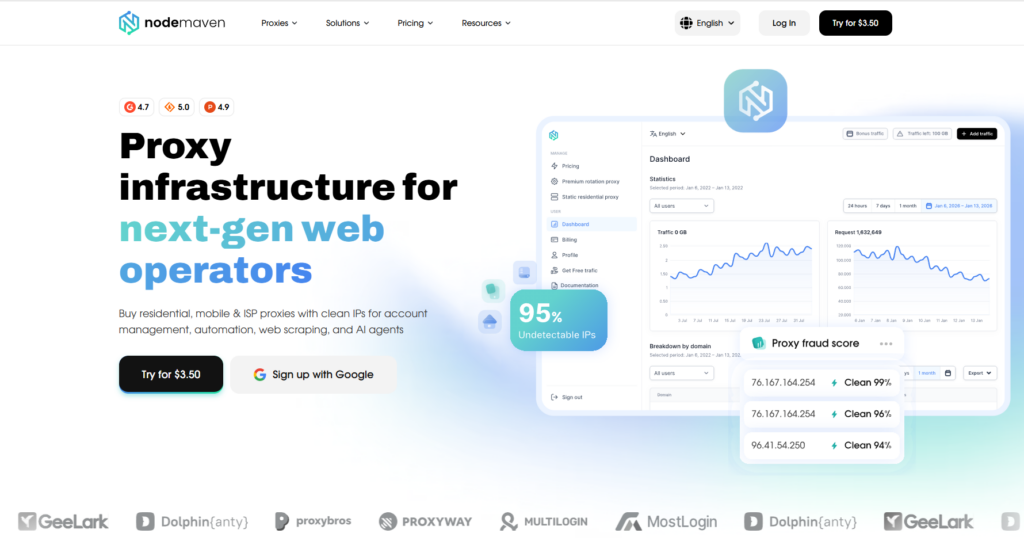
NodeMaven is a proxy provider for scraping workflows where IP quality, session control, and location targeting matter. It is not the largest provider in this list, but it is a strong option when the goal is to get high-quality IPs, keep sessions stable, and collect region-specific data.
Its residential proxy pool includes 30M+ IPs across 190+ countries, with pricing from $2.20/GB and a 750 MB trial for $3.50. Residential plans also include mobile proxy traffic, which is useful when a scraper needs to compare residential and mobile access and data without buying a separate product.
How NodeMaven handles IP quality
Scraping often fails because the target does not trust the IP. The request may return a CAPTCHA, a 403, an empty page, or the wrong page version.
NodeMaven gives users several pool modes to control the balance between quality, speed, and rotation volume:
- Quality: cleaner IP selection for stricter targets.
- Quality + Speed: a balance between cleaner IPs and faster response.
- Speed: better for less protected pages where latency matters more.
- Max Pool Size: useful for less protected websites where broad rotation matters more than strict IP filtering.
In Proxyway’s 2024 proxy market research, NodeMaven had the lowest fraud score in the US residential proxy pool quality section, with a score of 27.32. Tests like this give scrapers useful context because IP reputation can affect CAPTCHA rates, blocks, and verification prompts.
Sticky sessions for scraping flows
NodeMaven residential proxies support sticky sessions up to 24 hours.
This helps when the target website remembers state: location settings, cookies, pagination, carts, or login sessions. For example, an ecommerce scraper can keep one IP while opening a category page, moving through pagination, and visiting product pages from that category. Rotation can happen later, when the scraper moves to another category or region.
NodeMaven also offers ISP proxies for workflows that need one static IP and unlimited traffic, such as price monitoring or browser-based scraping sessions.
Geo-targeting for regional scraping
NodeMaven supports targeting by country, state, city, ISP, and ZIP code.
This matters when the scraped result changes by location. Ecommerce prices, delivery estimates, local listings, SERP results, currency, and language can all vary by region. If the proxy location is wrong, the scraper may collect clean data that is still wrong for the business question.
Get +35% additional bonus traffic for free with a purchase of any proxy package. ⭐ Read our NodeMaven Review →
More Less Maximum 40% discount on high-speed static ISP proxies from top-tier providers. ⭐ Read our NodeMaven Review →
More Less Exclusive 35% discount on clean residential proxies with advanced targeting. Valid for any package. ⭐ Read our NodeMaven Review →
More Less
Pros and cons
Pros:
- 30M+ residential IPs across 190+ countries
- residential and mobile traffic in one plan
- sticky sessions up to 24 hours
- country, state, city, ISP, and ZIP targeting
- HTTP and SOCKS5 support
- ISP proxies for static sessions and unlimited traffic
- quality guarantee and cashback for residential and mobile usage
- Traffic rollover for irregular scraping workflows
Cons:
- smaller brand than Bright Data or Oxylabs
- heavily protected targets may still need browser automation and careful pacing
- ISP proxy location coverage is narrower than residential coverage
- No datacenter proxies for scraping simple public pages
Who is NodeMaven for?
NodeMaven is best for scraping teams that need clean IPs, sticky sessions, and accurate regional data. It fits ecommerce scraping, price monitoring, local SERP checks, and browser-based scraping where random rotation can break the workflow.
2. Oxylabs
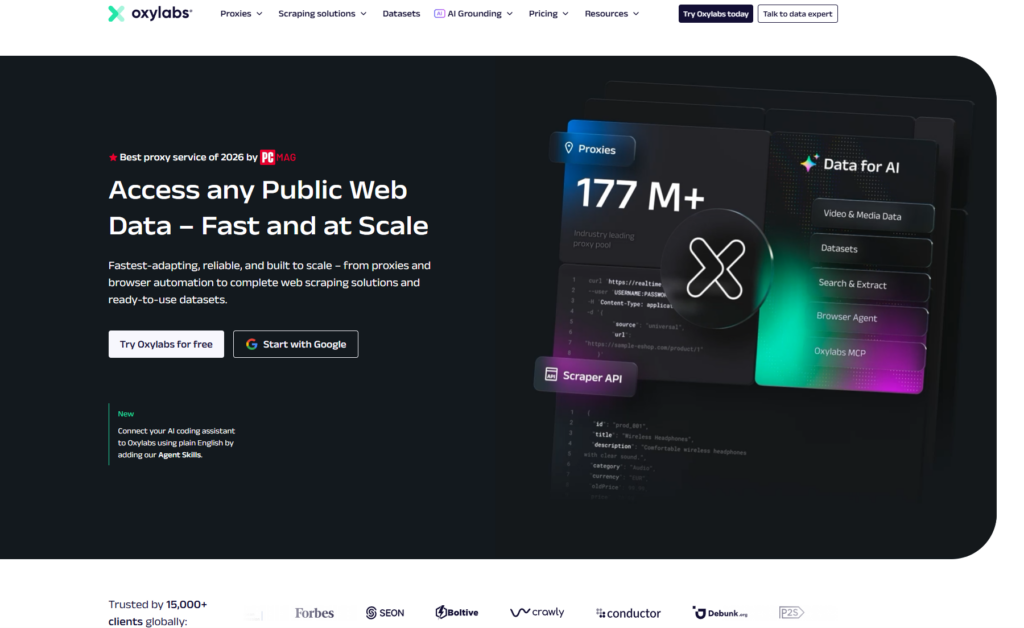
Oxylabs is a strong fit for enterprise scraping teams that want proxies, scraper APIs, and support from one vendor. It is less about the cheapest entry point and more about managed infrastructure for teams that scrape at scale.
Its residential proxy pricing page lists 175M+ residential IPs, sticky sessions, HTTP(S), HTTP/3, SOCKS5, free geo-targeting, and unlimited concurrent sessions. Oxylabs also offers Web Scraper API, Web Unblocker, datacenter proxies, ISP proxies, mobile proxies, and headless browser tools.
How Oxylabs helps with scraping infrastructure
Oxylabs works well when the scraping team does not want to build every layer manually. Instead of only buying proxies, teams can use scraper APIs and unblocker tools for targets where proxy rotation, rendering, and anti-bot handling would take too much engineering time.
This is useful for ecommerce monitoring, SERP collection, review scraping, and larger public data pipelines where reliability matters more than getting the lowest proxy price.
Session control and proxy coverage
Oxylabs supports sticky sessions and broad geo-targeting, which helps with region-specific scraping and flows where the website remembers location or cookies. Its ISP and dedicated ISP proxy options are also useful when a workflow needs a static residential-like IP instead of constant rotation.
For scrapers, this means Oxylabs can cover several setups: high-volume rotating residential jobs, stable ISP sessions, mobile testing, and managed scraping through APIs.
Pros and cons
Pros:
- 175M+ residential IPs
- residential, datacenter, ISP, dedicated ISP, and mobile proxies
- scraper APIs and Web Unblocker
- HTTP(S), HTTP/3, and SOCKS5 support
- strong documentation and enterprise support
- good fit for large-scale scraping teams
Cons:
- higher cost than budget proxy providers
- can be more than a small scraper needs
- setup may feel heavy if you only need raw proxies
Who is Oxylabs for?
Oxylabs is best for enterprise teams, agencies, and data companies that need proxy infrastructure plus managed scraping tools. It makes the most sense when the workflow involves large volumes, strict targets, and a budget for support and automation.
3. Bright Data
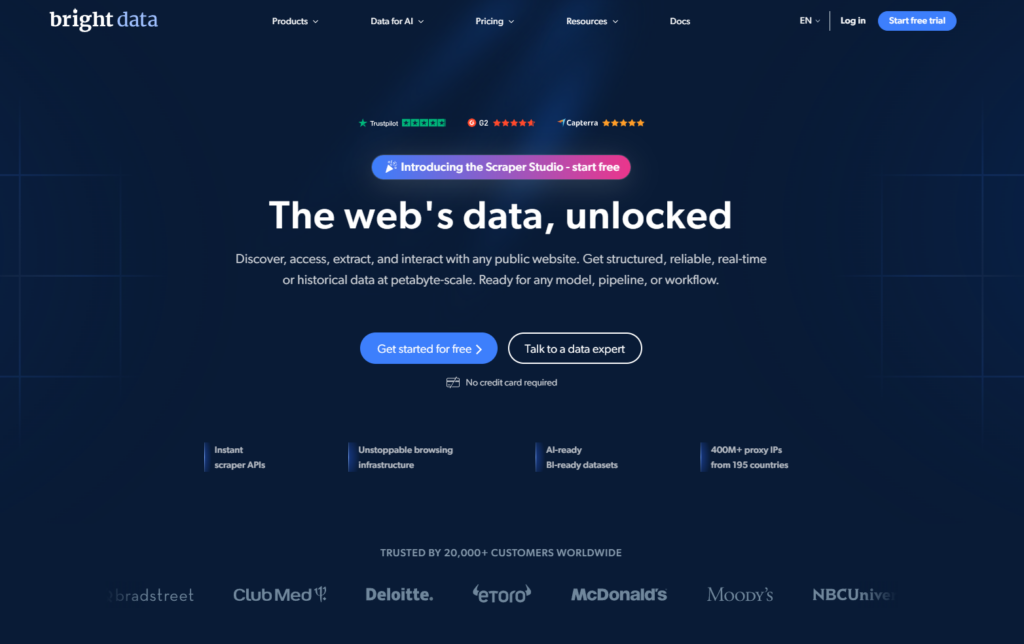
Bright Data is built for large data operations. It offers proxies, datasets, scraping APIs, scraping browser tools, SERP products, and unlocker infrastructure in one ecosystem.
Its residential proxy pricing page lists 400M+ rotating residential IPs in 195 countries, with country, state, city, and ZIP targeting. Bright Data also offers Web Unlocker as a tool that handles proxy rotation, anti-bot challenges, and CAPTCHA solving in the background.
How Bright Data handles complex scraping
Bright Data is useful when raw proxies are not enough. Some targets need browser rendering, CAPTCHA handling, retry logic, and managed unblocking. Bright Data’s ecosystem is designed for those cases.
For example, a team scraping ecommerce data from several protected websites may not want to maintain separate proxy logic, browser automation, and unblocker workflows. Bright Data can centralize much of that work, although the setup takes time to understand.
Targeting and advanced tools
Bright Data’s main advantage is the size of its product suite. The proxy network supports detailed geo-targeting, and its scraping tools are built for teams that need more than a proxy endpoint.
This helps with public data collection, SERP scraping, ecommerce intelligence, market research, and workflows where the same team may need proxies, datasets, and browser automation.
Pros and cons
Pros:
- 400M+ rotating residential IPs
- 195 countries
- country, state, city, and ZIP targeting
- proxy network plus scraping APIs and Web Unlocker
- suitable for complex scraping pipelines
- broadest tool ecosystem in this list
Cons:
- complex product structure
- pricing can be difficult for smaller teams
- may be too heavy if the workflow only needs simple proxies
Who is Bright Data for?
Bright Data is best for large teams that want one ecosystem for proxy access, data collection, scraping automation, and managed unblocking. It is strongest when the scraping workflow is complex enough to justify the extra setup.
4. Decodo
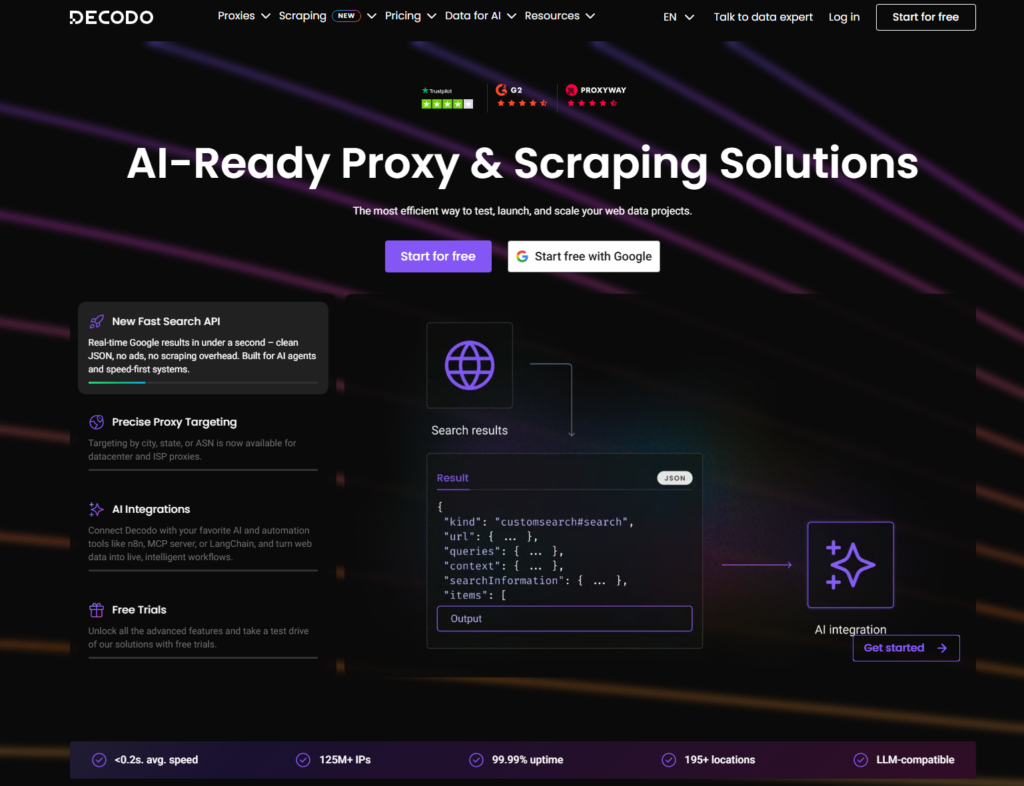
Decodo is a practical general-purpose provider for web scraping. It gives users a broad proxy set without the heavier enterprise feel of Oxylabs or Bright Data.
They advertise 115M+ ethically sourced IPs in 195+ locations, HTTP(S) and SOCKS5 support, rotating and sticky sessions, and targeting by continent, country, state, city, ZIP code, and ASN.
How Decodo fits everyday scraping
Decodo works well for teams that need residential proxies for ecommerce pages, SEO monitoring, market research, and general public data collection.
The setup is broad enough for most scraping tasks: rotating proxies for independent requests, sticky sessions for connected flows, and geo-targeting for regional data. That makes it a useful middle option between budget providers and enterprise scraping platforms.
Rotation, sticky sessions, and targeting
Decodo supports both rotating and sticky session modes. For a scraper, that means one provider can handle different patterns: rotate across independent URLs, then switch to sticky sessions when the target uses cookies, pagination, or location settings.
Its ZIP and ASN targeting are also useful when the scraped data changes by region or network.
Pros and cons
Pros:
- 115M+ residential IPs
- 195+ locations
- HTTP(S) and SOCKS5 support
- rotating and sticky sessions
- country, state, city, ZIP, and ASN targeting
- published 99.92% success rate and 99.99% uptime
- easier to approach than enterprise-heavy platforms
Cons:
- less managed scraping infrastructure than Bright Data or Oxylabs
- still needs target-specific testing before scaling
- may not be the lowest-cost option for basic scraping
Who is Decodo for?
Decodo is best for small and mid-sized scraping teams that want a reliable all-around provider. It fits ecommerce scraping, SEO monitoring, price intelligence, and general web data collection.
5. DataImpulse
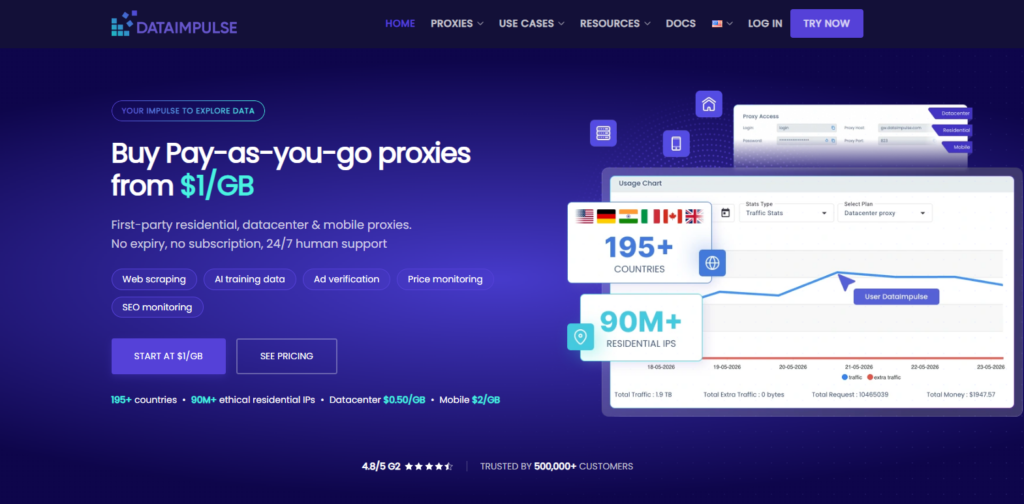
DataImpulse is a good option for cost-sensitive scraping and testing new workflows. It is especially attractive when a team wants residential traffic without a monthly subscription.
They offer 90M+ residential IPs, 195+ countries, HTTP(S) and SOCKS5 support, rotating sessions, sticky sessions, API access, and residential pricing from $1/GB. DataImpulse also says traffic does not expire, which is useful for irregular scraping projects.
How DataImpulse helps with budget testing
DataImpulse makes sense when the scraper owner wants to test a target before committing to a more expensive provider. The low entry cost is useful for checking success rate, CAPTCHA frequency, country accuracy, and whether the target blocks the proxy type.
This is a good fit for early experiments, smaller data jobs, and less protected targets.
Rotation, sticky sessions, and non-expiring traffic
DataImpulse supports rotating and sticky sessions, so it can cover both independent scraping and flows that need session continuity. Its non-expiring traffic is also useful when scraping volume changes from month to month.
Pros and cons
Pros:
- residential proxies from $1/GB
- 90M+ residential IPs
- 195+ countries
- HTTP(S) and SOCKS5 support
- rotating and sticky sessions
- traffic does not expire
- useful for testing new scraping projects
Cons:
- less flexible, since only few traffic packages available
- protected targets still need careful testing
- advanced targeting may cost extra depending on setup
- less enterprise tooling than Oxylabs or Bright Data
Who is DataImpulse for?
DataImpulse is best for users who want affordable residential proxies for testing, smaller scraping projects, and targets that are not extremely protected. It is a good starting point when budget matters and the team is willing to validate proxy quality on its own targets.
Which proxy provider should you choose?
Start with the scraping problem, not the provider name.
If your main issue is CAPTCHAs, blocks, or poor IP reputation, start with NodeMaven. Its residential proxies, quality filters, sticky sessions, and low fraud score positioning make it a strong fit for protected ecommerce pages, price monitoring, and regional scraping.
If your team needs managed scraping infrastructure, choose Oxylabs. It makes sense when you want proxies, scraper APIs, Web Unblocker, documentation, and enterprise support from one vendor.
If your workflow is large, complex, and data-heavy, Bright Data is usually the strongest option. It is best for teams that need proxies, datasets, scraping browser tools, SERP APIs, and unlocker products in the same ecosystem.
If you want a balanced general-purpose provider, Decodo is a practical choice. It covers residential, ISP, mobile, and datacenter proxies without feeling as heavy as enterprise platforms.
If your priority is testing at a lower cost, DataImpulse is a good starting point. It works well for early experiments, smaller scraping jobs, and projects where non-expiring residential traffic helps control spend.
Conclusion
The best proxy provider for web scraping is the one that gives you the highest number of usable results on your target website.
Pool size, pricing, and proxy type all matter, but they do not guarantee you results on their own. A cheap datacenter proxy can be perfect for simple public pages and useless on a protected marketplace. A residential proxy can reduce blocks, but still fail if the assigned proxy is bad quality, the browser fingerprint leaks or the request pattern is too aggressive.
Start with the target website, then choose and test the proxy setup around it. Use rotation for independent URLs, sticky residential sessions for connected ecommerce flows, ISP proxies for stable monitoring, and browser automation when the target relies on fingerprinting or JavaScript. Before scaling, test a small batch of IPs and measure clean responses, CAPTCHAs, 403s, 429s, timeouts, and wrong-region pages. That test will tell you more than any provider’s homepage.
FAQ
The best proxy providers for web scraping depend on the target and setup. NodeMaven is a strong choice for clean IPs, sticky sessions, and location-specific scraping. Oxylabs and Bright Data fit larger teams that need proxies plus managed scraping tools. Decodo is a balanced general-purpose option, while DataImpulse is useful for lower-cost testing and smaller scraping projects.
Residential proxies are usually better for protected websites, ecommerce pages, SERP scraping, and platforms that check IP reputation. Datacenter proxies are faster and cheaper, but they work best on simple public pages that do not block hosting networks aggressively.
Yes. ISP proxies are useful when a scraper needs a stable static IP. They fit price monitoring, account-bound workflows, browser automation, and sessions where frequent IP changes would cause verification, wrong regional data, or inconsistent results.
Use sticky sessions when the website keeps state. This includes pagination, location settings, shopping carts, login sessions, and browser automation. Use rotating proxies when each request is independent, such as separate product pages, directories, or SERP requests.
It depends on request volume, target limits, region coverage, and session type. A small clean pool can outperform a large weak pool if it returns more successful pages. Start with a small test, measure clean responses, CAPTCHAs, 403s, 429s, and timeouts, then scale based on successful requests.
Use cleaner proxies, slower request rates, sticky sessions where needed, response validation, and CAPTCHA detection. For browser-based scraping, also check DNS, WebRTC, timezone, cookies, and fingerprint consistency. A clean proxy helps, but the browser environment and request pattern still matter.