

DigitalOcean Cloud Hosting Review: Who It’s Best For and What Alternatives Are Available
6.00$
DigitalOcean is a popular cloud provider that offers virtual infrastructure for developers, startups, and IT professionals. Its core service consists of renting Linux-based virtual servers, known as Droplets. Additionally, the platform offers managed databases, object storage, load balancers, and Kubernetes solutions. In the IT community, the service is valued for its clean interface, predictable hourly billing, and one of the world’s best knowledge bases with detailed technical instructions.
Description
DigitalOcean is a popular cloud provider aimed primarily at developers and IT specialists. It is great for deploying web applications, SaaS products, and scalable projects thanks to its convenient interface and predictable pricing. However, it is not suitable for beginners who expect traditional web hosting with an out-of-the-box control panel, as it requires system administration skills. If you are not ready to configure servers, security, and backups on your own, it makes sense to consider managed solutions or other alternatives.
What is DigitalOcean
It is an American company providing cloud infrastructure (IaaS). The provider’s core and most famous service is virtual servers, which are called Droplets here. Beyond that, the company offers managed databases, object storage (Spaces), load balancers, and Kubernetes-based solutions. In the IT community, DigitalOcean cloud services have long been a de facto standard for developers due to their minimalist interface and one of the world’s best knowledge bases with technical tutorials.
Who DigitalOcean is suitable for
- Developers and DevOps engineers: those who need full root access and freedom in environment configuration.
- Scalable projects: startups and web applications that may need to quickly increase computing power at any moment.
- Creators of complex architectures: projects using microservices, containerization (Docker), and managed databases.
- International projects: thanks to a distributed network of data centers in North America, Europe, and Asia.
When DigitalOcean might not be the best choice
- Lack of system administration experience (Linux): if you don’t know how to set up a web server via the console, using a raw Droplet will become a problem.
- Looking for simple web hosting: if you need simple hosting for WordPress where everything works with one click, and technical support takes care of virus protection and updates.
- Complex enterprise tasks: for giant corporate infrastructures, companies often choose more complex solutions like AWS or Google Cloud.
- Requirement for data centers in Russia: the company does not have servers in Russia, which can be critical for projects dealing with personal data of local users.
Main Advantages
- Transparent pricing policy: clear and predictable pricing. You always know how much you will pay at the end of the month, unlike the confusing pricing of hyperscalers.
- Huge community: thousands of detailed instructions for setting up any software.
- Ease of scaling: increasing server resources (CPU, RAM) takes literally a few clicks in the control panel.
- Ecosystem: availability of a Marketplace with ready-to-use application images (1-Click Apps) allowing you to deploy a stack in a couple of minutes.
Possible Disadvantages
- Limited technical support: basic support solves infrastructure issues but will not help you configure in-server software or troubleshoot errors in your website code.
- Lack of built-in DDoS protection on basic plans: application security rests entirely on the client’s shoulders.
- Strict automatic anti-spam system: new accounts may be temporarily locked for verification in case of suspicious activity or a sharp surge in resource consumption.
DigitalOcean Alternatives
When you should consider an alternative Skipping this provider makes sense if you need a turnkey project. For example, if you are a marketer or business owner and just need to launch a website, figuring out the Linux console would be inefficient. In such cases, it is better to look for a DigitalOcean alternative among traditional shared hosting providers with cPanel. Other options are also worth considering if you need delegated support (Managed Hosting) to handle 24/7 monitoring and server software updates. A great compromise for many is using the Cloudways service on top of DigitalOcean infrastructure, where server power stays with DO while management and support are handled by the Cloudways panel.
| Provider | When it fits |
| Vultr | An excellent replacement when you need servers with higher CPU clock speeds, more flexible plans, and data centers in specific locations. |
| Linode (Akamai) | When reliable cloud infrastructure is required with a focus on excellent support and predictable performance; often wins in price/performance ratio. |
| Cloudways | Ideal for those who want fully managed WordPress on DigitalOcean servers without the need to manage the system manually. |
| Hetzner Cloud | If lower cost than DigitalOcean for impressive amounts of computing resources and traffic (data centers in Europe and the US) is a priority. |
Frequently Asked Questions about DigitalOcean
How to log into your DigitalOcean account
Logging into the control panel (Cloud Control Panel) is done via the official website using the “Log In” button. Authorization via email and password as well as single sign-on (SSO) via Google or GitHub accounts are supported. To enhance security, it is highly recommended to enable two-factor authentication (2FA) immediately.
How to set up WordPress on a server
To get a working WordPress site on DigitalOcean, you don’t have to set up everything from scratch. The Marketplace section features the “WordPress 1-Click App” image. When creating a Droplet, select this image, and the system will automatically install Ubuntu, a web server, a database, and the CMS itself. You will only need to visit the IP address and complete the installation in your browser.
What to do if the server (Droplet) is not responding
If your website stops opening and the SSH connection is rejected, use the Recovery Console directly in the control panel web interface. This allows you to gain direct access to the server, bypassing network settings. Most often, the cause lies in a lack of RAM or firewall configuration errors.
Can you get free hosting
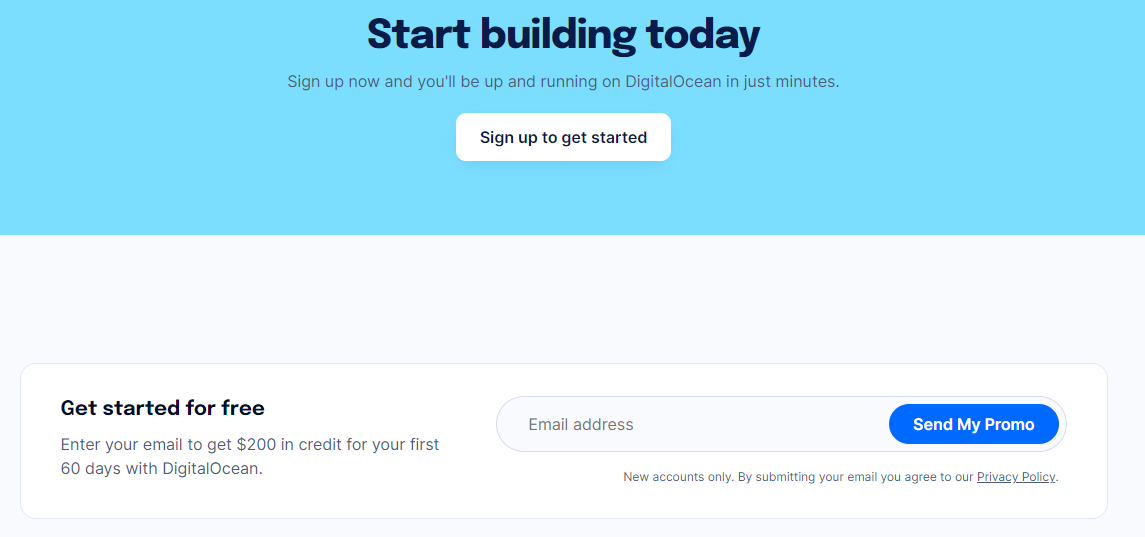
The provider does not offer completely free permanent plans (Free Tier). However, for new users, the company regularly runs promotions granting free credits (for example, $200 for 60 days) that can be spent on testing any DigitalOcean cloud services before switching to a paid basis.
Conclusion
DigitalOcean is definitely worth considering, but only if you clearly understand its specificity. It is a powerful, stable, and predictable tool for IT specialists, developers, and creators of complex web applications. On the other hand, if you need to quickly launch a standard website or blog without diving into Linux administration and command-line work, it is more reasonable to save time and choose traditional web hosting or a managed solution where all the technical routine is handled by the provider.
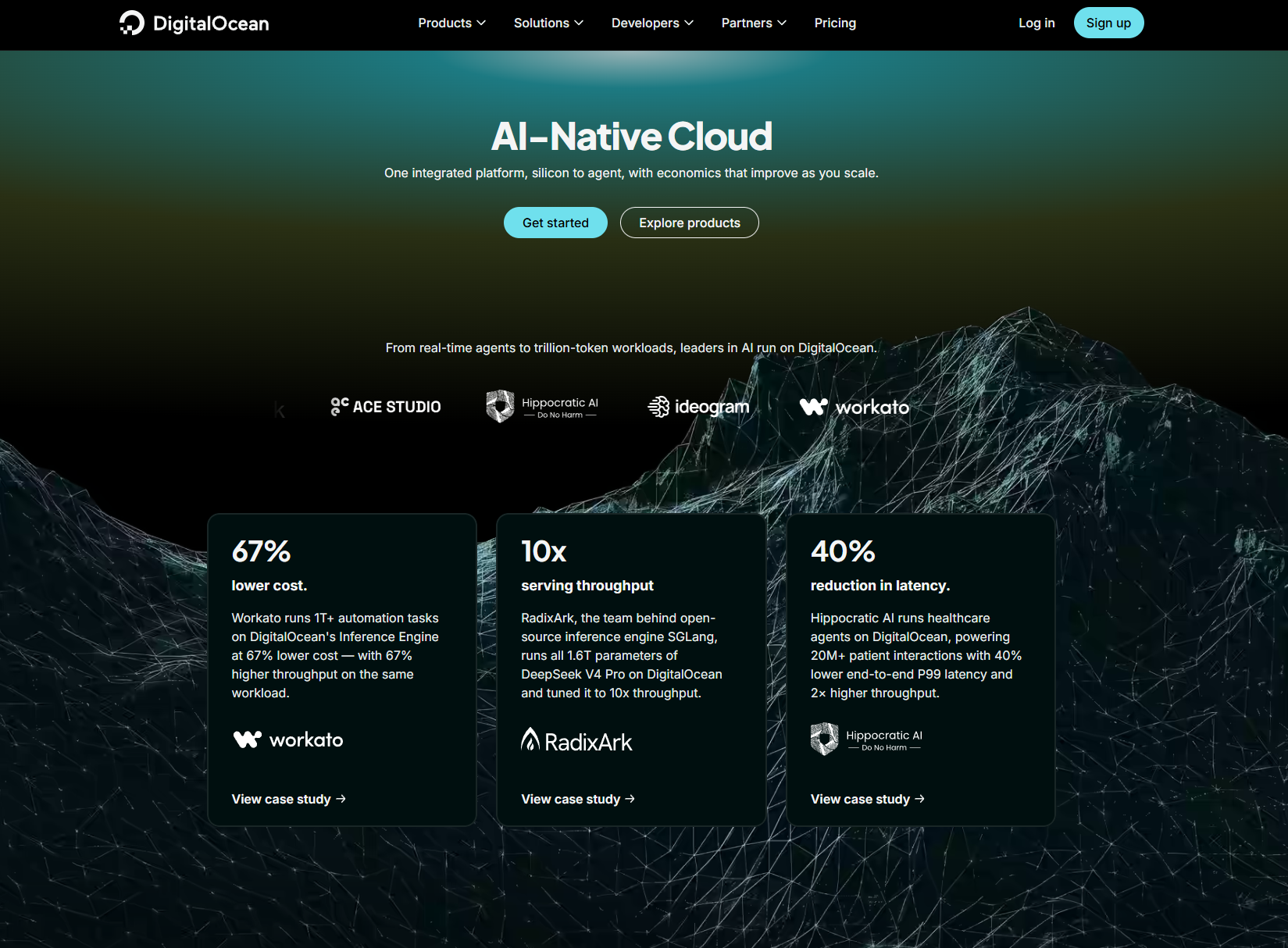
DigitalOcean is one of the most popular US cloud rental companies with a headquarters in New York City. DigitalOcean offers a “developer cloud”: a network of virtual machines that scales with your site’s growth.
Sooner or later, but every owner of a popular online resource faces a problem when the load on the processor allocated by hosting can not cope with a large flow of clients. In this case, you have to negotiate with the support, move to a more expensive shared hosting. One transition, the second and comes to understand that hosting rates exhausted. Pay about 15-20 dollars a month for the most expensive hosting provider tariff owner of a very popular site can afford. But is it worth paying for such limited resources in memory, CPU minutes, disc space? Definitely not worth it, when there is an opportunity to rent a virtual dedicated server in two or even three times cheaper.
Overall, DigitalOcean offers a wide range of benefits that can benefit businesses of all sizes. If you’re looking for a reliable and affordable cloud platform, DigitalOcean is worth considering. Here are some specific examples of how in could utilize these benefits in your business:
- Use DigitalOcean’s flexibility and scalability to launch seasonal or promotional campaigns. For example, you can run additional servers to handle more traffic during Black Friday or other holiday seasons.
- DigitalOcean tools and resources to automate VPS management tasks. For example, you can use the DigitalOcean API to automate backup or upgrade tasks.
- Marketplace with out-of-the-box solutions: DigitalOcean offers many pre-installed applications and server images that can be deployed in minutes, reducing server setup time and effort. For example, CMS: WordPress, Drupal, and Joomla; Development and Testing: Docker, GitLab, and Jenkins; Databases including MySQL, PostgreSQL, and Redis; Monitoring and Analytics: Grafana and Prometheus; and much more. VPN is in demand now, and security tools including OpenVPN are also available in the Marketplace.
- Kubernetes support: If you’re interested in container orchestration, DigitalOcean offers managed Kubernetes clusters, making it easy to deploy and manage microservices.
- Networking capabilities: DigitalOcean offers various networking solutions such as private networks, floating IP addresses, and load balancers, improving application performance and reliability.
- Support and Community: It is very important that DigitalOcean has an active community and provides extensive support through documentation, tutorials and forums.
History of DigitalOcean service origin
DigitalOcean is one of the most popular American companies providing cloud infrastructure rental services with its main centre located in New York.
The company was born back in 2003, when the Uretsky brothers, who already owned ServerStack, decided not to rest on their laurels and move on. Studying the cloud infrastructure market Ben and Moses came to the conclusion that all virtual servers are mainly oriented to large companies, and amateur developers or independent small companies are left without proper attention. It was this unfair attitude towards independent single developers that prompted the brothers to create a cheap cloud VPS, which is now referred to as DigitalOcean.
The company was officially registered in 2012. The following year, the first shared hosting plans were already available. In just one calendar year, the company managed to attract more than 400 customers from scratch and without much advertising and joined the TechStars startup, where it has enjoyed unprecedented growth, offering affordable cloud hosting.
What does DigitalOcean offer?
DigitalOcean is cloud hosting for power users. DigitalOcean positions itself as an affordable virtual server and promises high performance even for a minimal price. According to them, they activate the web server in 55 seconds. I didn’t have to time it, but they stick to their words. I didn’t have to wait longer than 2 minutes.
Prices for cloud hosting services start at $5. For this money you will get the most basic set of features: 512 RAM; 20 GB SSD; 1 Core; 1 TB Traffic.
Taking into account that DigitalOcean equipment, according to technical support, is updated regularly, there is a good chance to get a fast inexpensive VPS server, which will withstand a site with a flow of up to several thousand visitors per day. The most expensive tariff will cost $80 and is stuffed to the max: 8GB RAM; 80GB SSD; 4 Cores; 5 TB Traffic.
For the former CIS countries it is better to choose VPS servers of the company located in Amsterdam or Frankfurt. During tests c gives an average ping of about 40 ms. Online monitoring of uptime gives out 100% in Amsterdam and 99.98% in New York.
Pros DigitalOcean
- Starting tariff from $5. Unfortunately, even in our country, with rather low electricity prices, it is almost impossible to find a normal virtual dedicated server with good support for such a cost.
- Fast server activation. Activation and installation of any Linux version from the list of available versions takes seconds.
- Hourly payment. After purchasing cloud hosting, you have the opportunity to pay not only monthly, but also hourly. It is very convenient for developers who are engaged in testing projects for a limited period of time.
- DNS support. This is rather not an advantage, but a prerequisite for any shared hosting, however, it is here, because there are quite a lot of providers sinning with this feature.
- SSH access from the control panel. Just convenient, no more.
- VPS virtualisation type using KVM (full virtualisation).
- Good documentation of setup on the website
Cons
- There is no official Windows virtualisation. But you can install a virtual Windows server at will and with your own tambourine:).
- Traffic is limited. Recently, the company decided to fight with clients who use cloud hosting for file sharing, operating on the fact that there are specialised services for such purposes.
- Limited number of Linux kernels. You can not install your own Linux kernel on cloud hosting, but in the list to choose from there are about 50 different versions.
- You have to pay for the off VPS. Whether you use shared hosting or not, you will have to pay for it. In order to avoid being charged, you need to take a snapshot and remove the VPS.
Where are DigitalOcean data centers located? Recommendations for choosing a location
DigitalOcean servers are currently located in 9 regions around the world, allowing them to serve a significant portion of users. A region is a geographic area with one or more data centers. Below is a list of data centers currently in operation:
- USA New York: NYC1, NYC2, NYC3
- USA San Francisco: SFO1, SFO2.
- Canada Toronto: TOR1
- UK London: LON1
- Germany Frankfurt am Main: FRA1
- Netherlands Amsterdam: AMS2, AMS3
- Singapore: SGP1
- India Bangalore: BLR1
- Australia Sydney: SYD1
Recommendations for choosing the optimal server location for your needs:
- Choose the data center closest to the target audience to minimize delays.
- For game servers, choose a location with the lowest ping for most players. Consider the geographic distribution of players when selecting multiple regions.
- For backup systems, choose a region that is geographically distant from the main data center to protect against regional disasters.
- Compare prices in different regions as prices may vary.
- Host your databases in a region with the strictest data protection laws if this is important to your business, such as Germany.
Contacts DigitalOcean
- Website: digitalocean.com
- Company: DigitalOcean LLC registered USA
- Founded: 2012
- Website Language: English
Support language: English
Central office:
- city: USA New York, NY 10013 101 Avenue of the Americas, 10th Floor
Technical support contact information
-
- phone: no
- email: support@digitalocean.com
- redes sociais: Facebook, Linkedin, GitHub, glassdoor, builtinnyc, Discord, YouTube, Instagram, X (Twitter).
Management:
- Position: Chief Executive Officer
- Full name: Yancey Spruill
Number of staff: 501 to 1000
Payments: Bank cards (Visa, MasterCard), PayPal.
Clients: over 10 million domains under management. Practical case: Educational platform with configuration 4 General Purpose droplets, Managed MongoDB, Spaces for video storage. Results: Supports 50,000 students with the ability to simultaneously view video lectures. Optimization: Using CDN to speed up the delivery of video content to a global audience.









Reviews
There are no reviews yet.